NDIS support worker app
Support worker app workflows that keep frontline evidence connected to office review.
Effica helps providers capture mobile shift context without turning worker notes into disconnected messages. Clock-in, notes, evidence, incidents, and handover feed the roster and manager review trail.
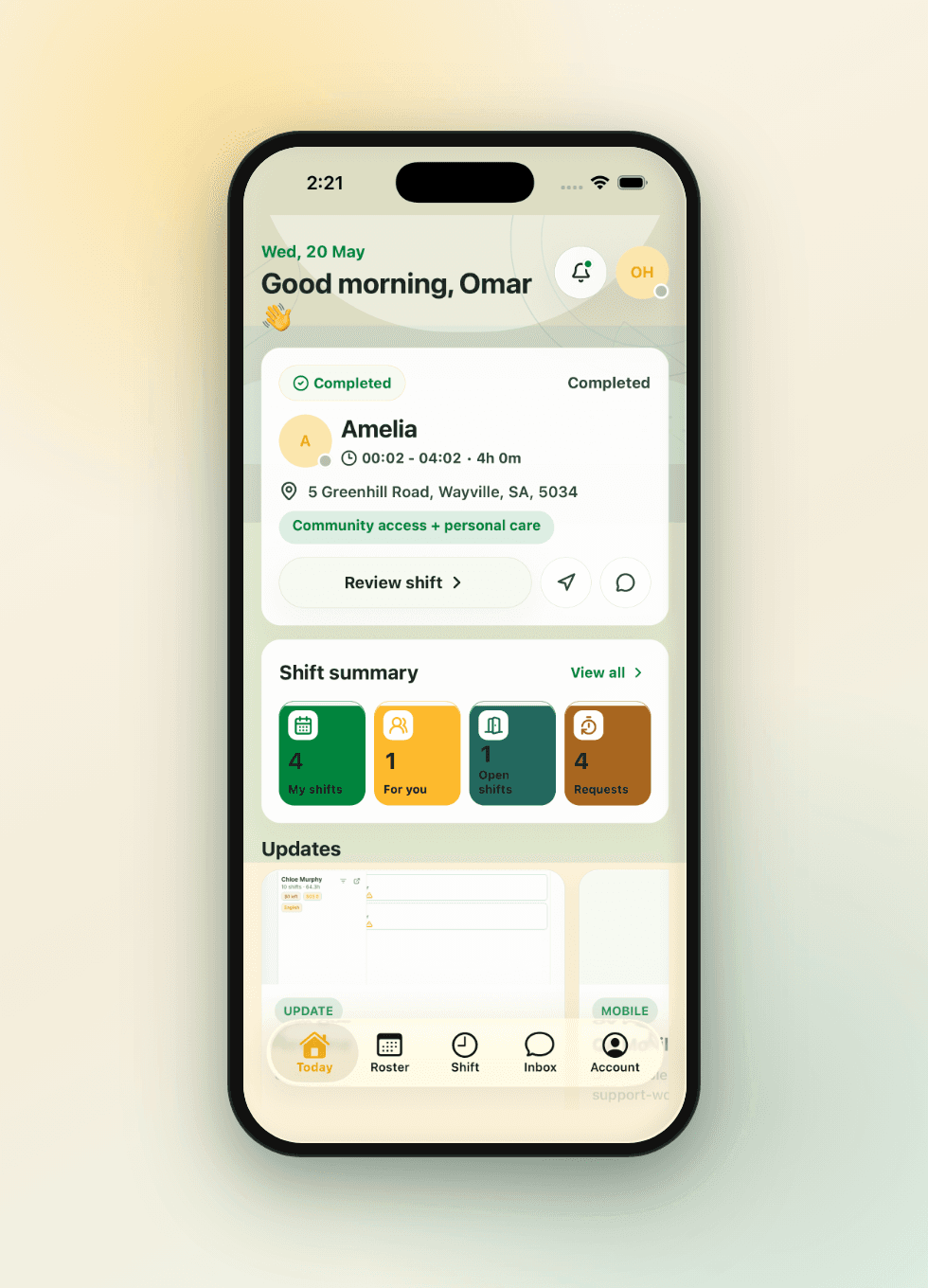
Connect clock-in, shift notes, evidence, and handover to the rostered shift.
Make late sync, missing notes, exceptions, and incident escalation visible for manager review.
Keep mobile capture as workflow support, not automatic payroll, billing, or compliance advice.
Mobile work needs more than a digital form
Support workers need a simple way to see shift context, capture notes, attach evidence, and flag exceptions. Managers need that information tied to the right participant, shift, worker, and review queue.
- Show the worker what matters for the shift without exposing irrelevant back-office surfaces.
- Attach notes, evidence, and handover context to the shift instead of a separate inbox.
- Keep drafts, late sync, and failed uploads visible so gaps are not hidden.
Clock-in context should flow into review
Clock-in and clock-out information becomes useful when it can be reviewed against the planned roster, delivered support, notes, evidence, and timesheet approval path.
- Preserve planned time, actual time, worker, participant or house context, and exception reason.
- Route unresolved exceptions to managers before payroll, billing, or claim preparation.
- Keep the worker experience focused while protecting the audit trail.
Incidents and concerns need escalation paths
When a worker records an incident, complaint, safeguarding concern, injury, or behaviour note, software should route the signal into manager-owned review with context.
- Link mobile incident signals to participant, shift, evidence, attachments, and follow-up owners.
- Keep reportable-incident triage human-owned while preserving a decision trail.
- Separate ordinary handover notes from urgent review queues.