Support worker mobile app workflows for NDIS providers: clock-in, notes, evidence, and handover
A practical guide to choosing support worker mobile workflows that keep clock-in, shift notes, evidence, incidents, and office review connected without turning software into the source of NDIS rules.
4
field-to-office handoffs a mobile workflow should make reviewable
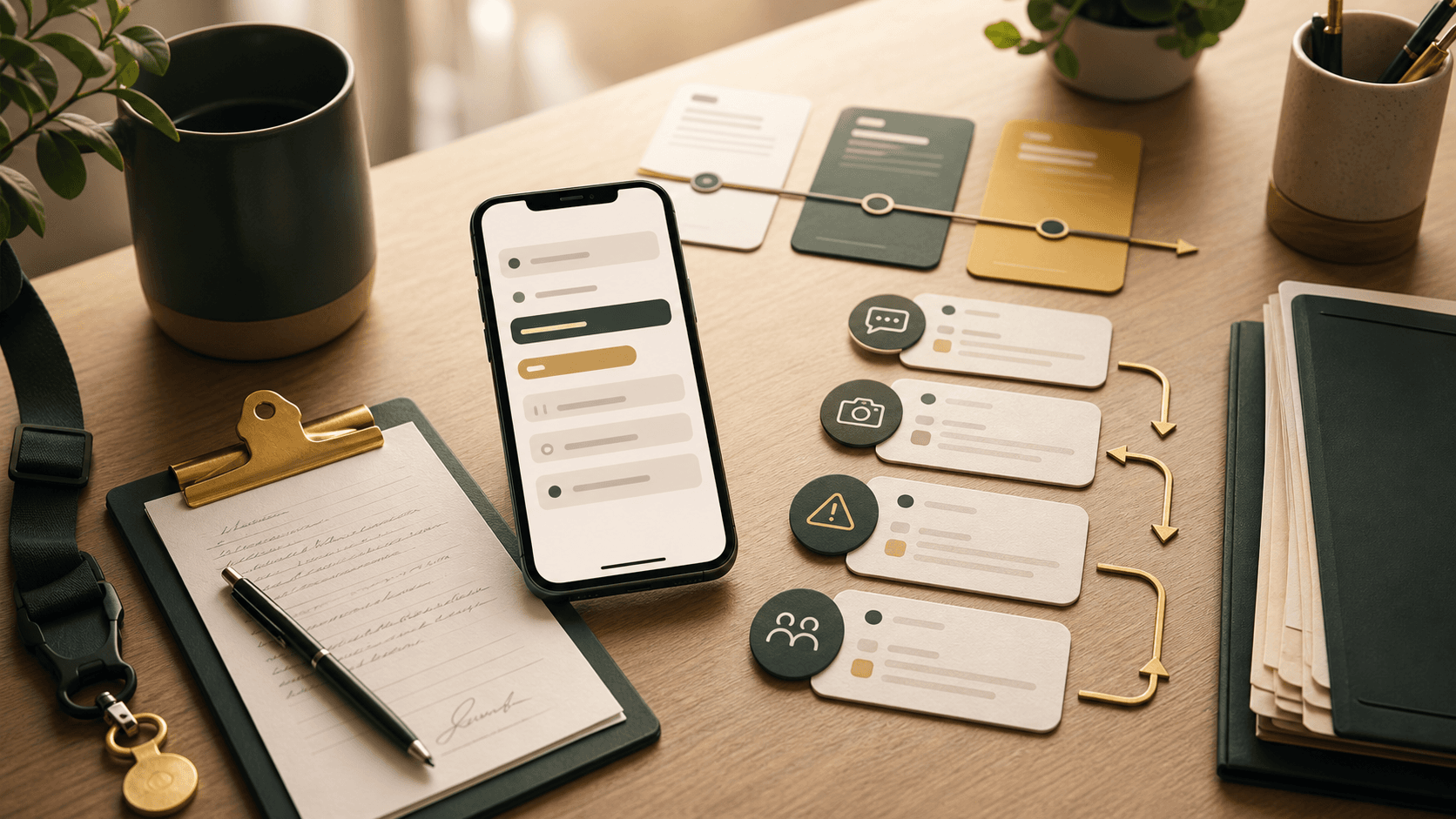
The buyer intent is operational, not just mobile access.
What buyers mean by a support worker mobile app
When NDIS providers search for a support worker mobile app, they are usually trying to close the gap between field delivery and office review: roster access, clock-in context, shift notes, evidence capture, incident escalation, and handover.
NDIS record-keeping guidance says providers need complete and accurate records of supports delivered, including invoices, support logs, rosters, case notes, and service agreements. Source: NDIS record-keeping requirements.
That makes the mobile app part of a wider operating system. The useful question is not only whether workers can type notes on a phone; it is whether those notes stay connected to the roster, participant context, incident review, timesheet approval, and billing evidence that office teams need to check.
Effica's NDIS support worker app page is the direct product path for mobile capture, offline handover, incident signals, and manager review. The NDIS rostering software page shows the upstream scheduling and shift-evidence lane a mobile workflow should feed, while NDIS compliance software covers the review trail for incidents, complaints, evidence, and follow-up.
Effica support worker app
Review the product page for mobile rosters, clock-in context, shift notes, evidence, offline handover, incidents, and manager review.
Effica rostering software
See how Effica frames roster planning, shift delivery, timesheet review, and claim-ready evidence.
NDIS record keeping
Official NDIS provider guidance on support delivery records and related evidence.
Times matter, but context matters too.
Clock-in should create a reviewable shift trail
Clock-in and clock-out data is useful only when it can be reviewed against the shift that was planned, the worker who attended, the participant or house context, and the note or evidence that explains exceptions.
Fair Work guidance says employee records must include information such as pay, hours of work, overtime, leave, and other employment details. Source: Fair Work record-keeping and pay slips.
For NDIS providers, that does not mean a mobile app should make payroll or claim decisions by itself. It should capture the field signal and pass it into a manager-review workflow where roster, timesheet, support-log, and billing context can be checked before export or payment request preparation.
Use the companion Effica article on rostering, timesheets, payroll, and claim readiness for the office-side workflow that should receive the mobile evidence.
Fair Work record keeping
Official Fair Work Ombudsman guidance on employee records and payslips.
Effica billing software
Review how billing evidence, invoices, claim preparation, and reconciliation context should stay connected.
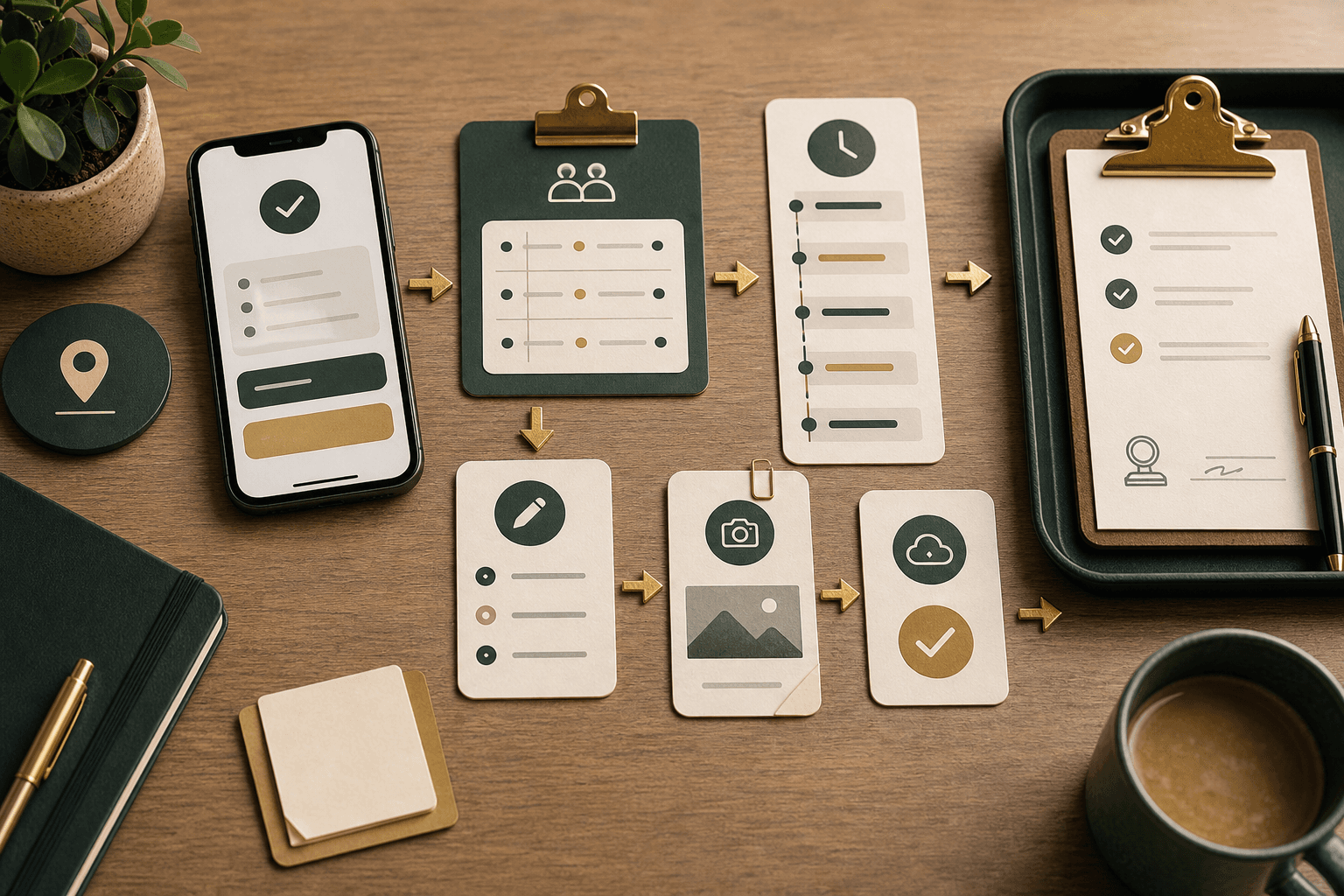
Do not make managers hunt across disconnected apps.
Shift notes and evidence should stay close to the roster
Support notes, uploaded evidence, missed tasks, late arrivals, behaviour observations, and handover comments are more useful when they sit on the same operating trail as the shift, not in a separate chat thread or file dump.
The NDIS record-keeping page names support logs, rosters, case notes, invoices, and service agreements as records providers may need to keep. Source: NDIS record-keeping requirements.
A strong mobile workflow therefore needs structured capture at the point of work and a calm review surface later: what was planned, what was delivered, what changed, what needs manager review, and what should never flow into billing without human approval.
That is the same reason service agreement context should remain visible around the roster. The related Effica guide on NDIS service agreement software and Schedule of Supports workflows explains why support lines should not become hidden assumptions.
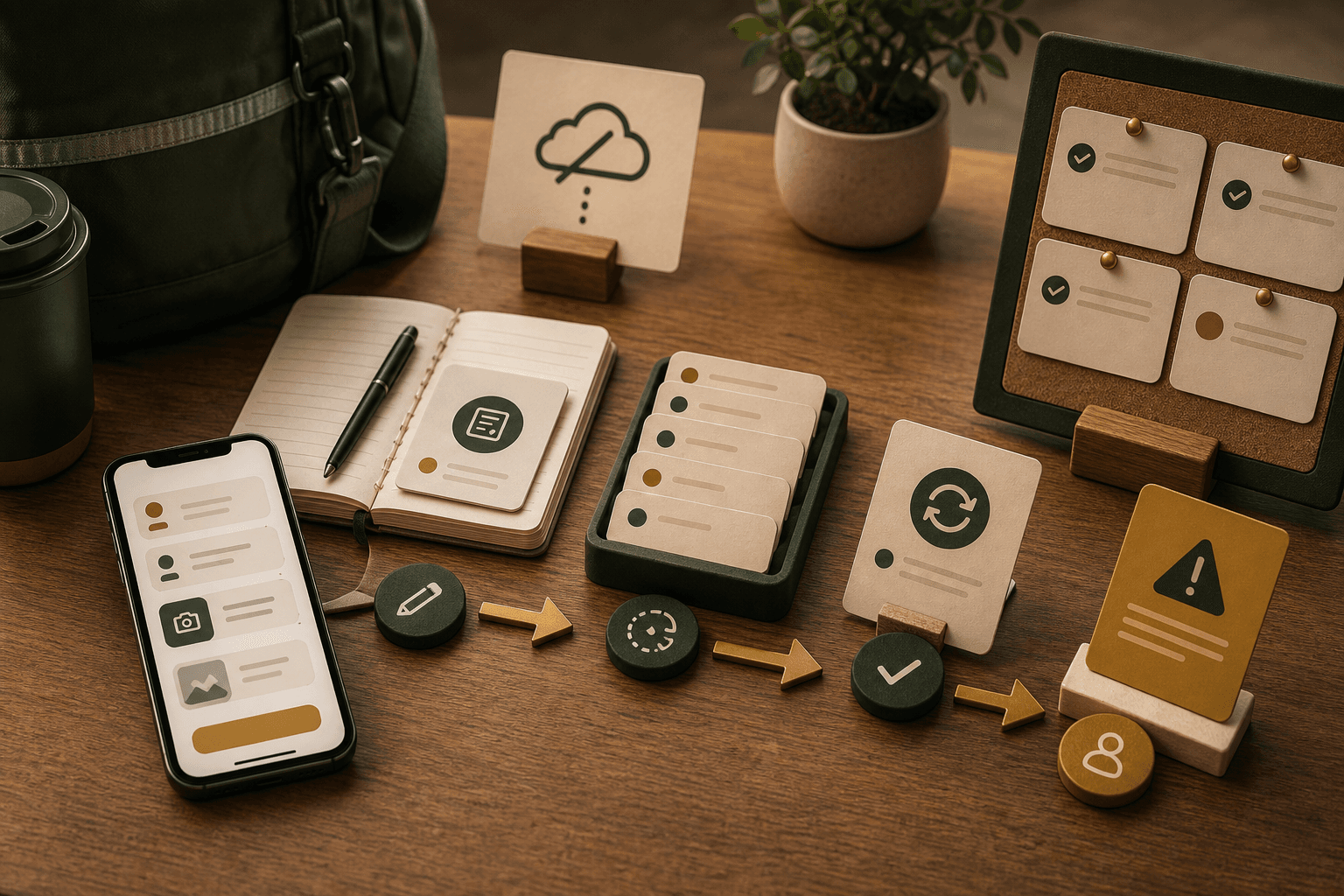
Connectivity gaps should not create silent data gaps.
Offline handover needs a safe catch-up path
Mobile work happens in houses, vehicles, community settings, and buildings where connectivity can be uneven. Providers should ask how a support worker app handles drafts, retry, duplicate prevention, late sync, and manager visibility when a note or evidence attachment cannot submit immediately.
The practical software pattern is simple: capture a draft, make its status visible to the worker, sync when available, show office teams what arrived late, and avoid treating unsynced information as reviewed evidence.
This is also a trust issue. A mobile app should reduce lost context, but it should not hide exceptions or imply that records are complete until the workflow has actually caught up.
Software can support obligations; it is not the regulator.
Escalations need manager review, not automation promises
If a support worker records an incident, behaviour concern, injury, medication issue, complaint, or safeguarding note, the mobile workflow should move that item into the right review queue with enough context for a manager to decide what happens next.
The NDIS Commission says registered providers must have an incident management system, and reportable incident guidance explains the provider notification pathway for serious incidents. Sources: NDIS Commission incident management and NDIS Commission reportable incidents.
Effica's compliance workflows are designed around that review-first posture: capture the operational signal, preserve the trail, surface follow-up, and keep the official decision with the provider's authorised people and current rules.
Evaluate the whole workflow, not only the app screen.
Checklist for choosing support worker mobile software
Ask whether the mobile workflow connects to the roster, respects role permissions, captures clock-in context, keeps notes and evidence attached to the right shift, makes unsynced drafts visible, routes incidents for review, and preserves a clean handover into timesheets, billing, and compliance.
Also ask what the software does not decide. A trustworthy NDIS operations system should support record keeping, workflow review, and evidence visibility without presenting itself as legal, payroll, funding, or regulatory advice.
If you are comparing mobile workflows as part of a wider operating-system move, start with Effica's spreadsheet migration guide and then map where each worker action needs to land after the shift.
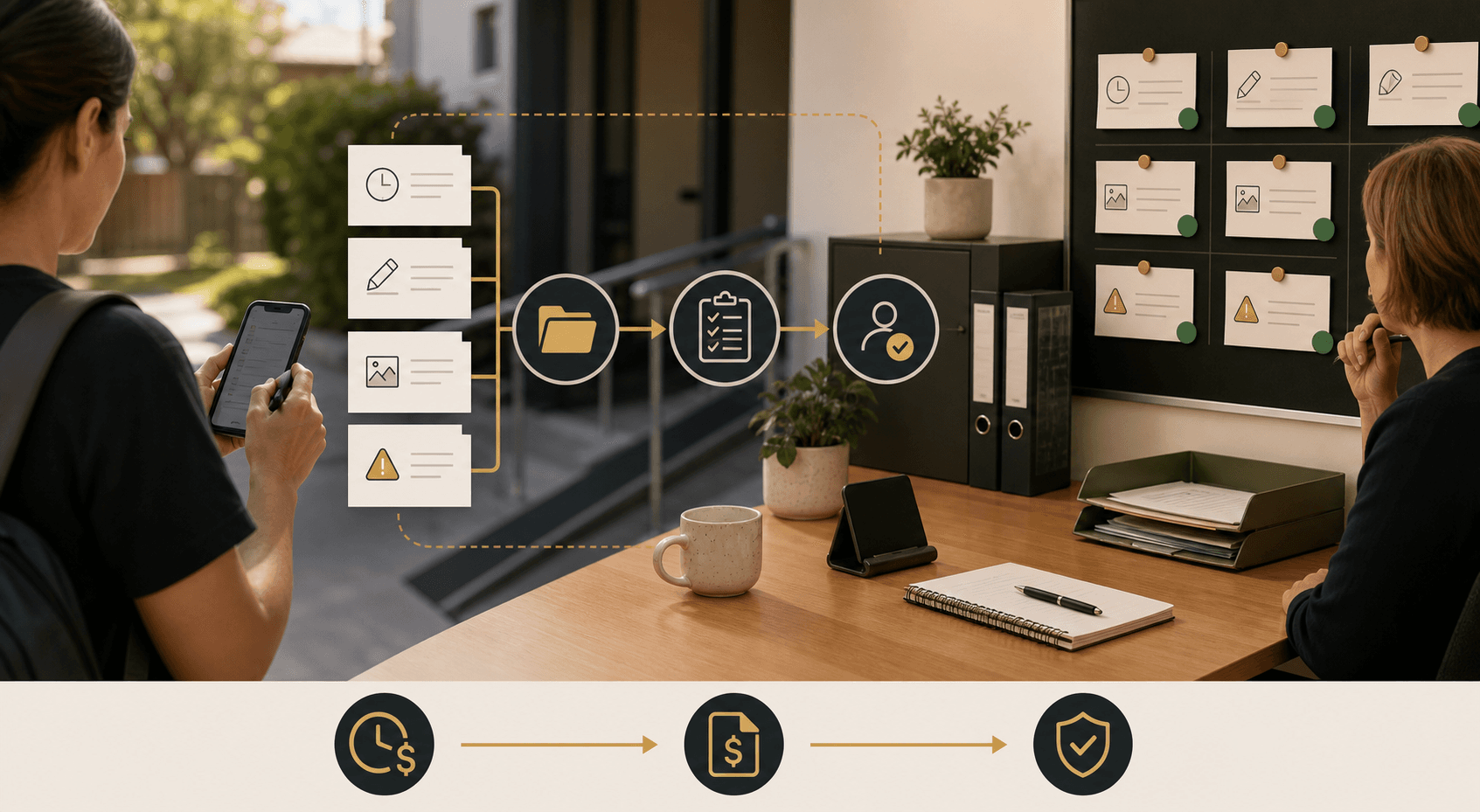
A support worker mobile app should make frontline activity easier to capture and easier to review. It should not turn incomplete field data into automatic payroll, billing, claim, or compliance decisions.
Continue with Effica
Start with the support worker app product page, then map how rostered work, mobile shift evidence, manager review, billing, and compliance follow-up should connect.
Review the support worker app workflowRelated Effica pages
NDIS support worker app
Review the product page for mobile rosters, clock-in context, notes, evidence, offline handover, incidents, and manager review.
View pageNDIS rostering software
Connect planned shifts, worker availability, support evidence, timesheets, and roster review.
View pageNDIS compliance software
Keep incident, complaint, evidence, audit, and follow-up workflows visible for manager review.
View pageNDIS billing software
Keep delivery evidence, invoices, claim preparation, and reconciliation context close together.
View pageTalk to Effica
Map your field-to-office workflow before choosing or replacing support worker software.
View pageContinue reading
More from the Effica blog
NDIS CRM software buyer guide
NDIS CRM software: choosing a system for participant relationships
A practical buyer guide to participant records, consent, agreements and service handoffs in an NDIS provider CRM.
Read articleMy provider relationships
NDIS my provider relationships: software checks for onboarding and claims
A practical workflow for keeping participant communication, my provider relationship requests, service agreements, role dates and claim review connected.
Read articleReferral intake and onboarding
NDIS referral management software: intake to service start
A practical workflow for moving an NDIS referral through consent, suitability, support planning, agreements and a reviewable service-start handoff.
Read article