NDIS payroll export to Xero Payroll AU: what providers should check before the pay run
A practical guide for NDIS providers reviewing payroll-export workflows across roster approvals, SCHADS checks, Xero Payroll AU handoff, claim boundaries, and reconciliation context.
5
checks provider teams should review before payroll leaves the roster
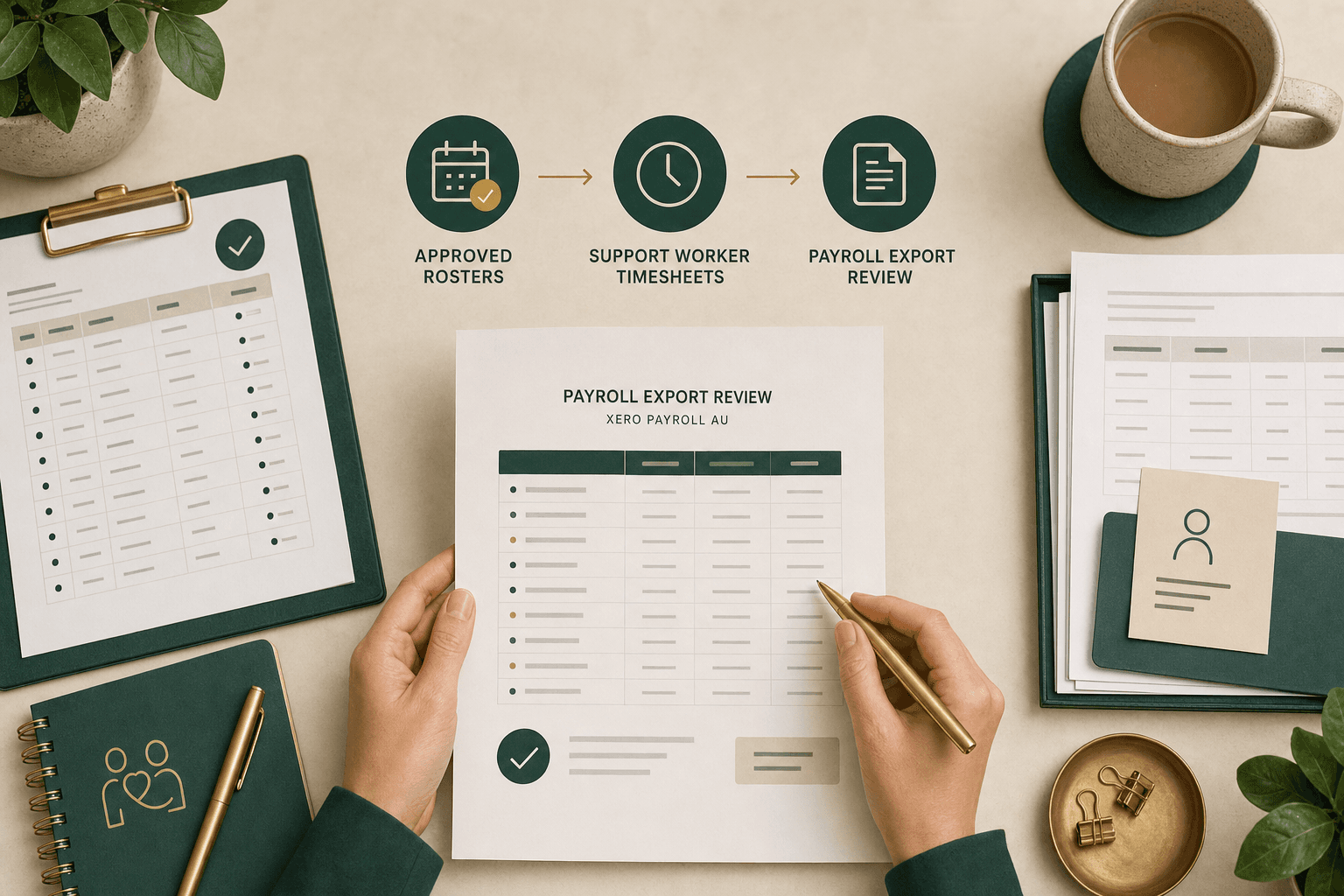
The search intent is operational, not just file format.
What buyers mean by NDIS payroll export
When an NDIS provider searches for payroll export or Xero Payroll AU workflows, the practical question is whether approved rostered work can move into a pay-run review without losing the context managers need to check first.
Xero's Payroll AU API documentation separates payroll objects such as timesheets, pay runs, and earnings rates. That is useful for software buyers because the handoff is not one generic export: rostered time, earnings mapping, approval state, and pay-run timing all need clear ownership. Source: Xero Payroll AU API overview.
Effica's NDIS rostering software page is the right product path for this question because payroll readiness starts before finance: in the roster pattern, shift evidence, worker time, and manager approval trail.
A roster is the plan; payroll needs reviewed evidence.
Start with approved time, not raw calendar shifts
The cleanest payroll export starts from approved support work, not every shift that was ever planned on the calendar. Roster changes, cancellations, late clock-outs, missing notes, travel, sleepovers, and allowances all need a review state before payroll data is handed off.
Xero's Payroll AU timesheets endpoint is the official resource to understand the timesheet object in Xero's API model. A provider workflow still needs to decide which Effica records are ready to become payroll input and which ones need manager review first. Source: Xero Payroll AU timesheets.
The companion Effica article on NDIS rostering software, timesheets, payroll, and claim readiness covers the same operating chain from shift evidence through finance review.
Software can surface review signals; it should not replace payroll advice.
SCHADS checks belong before the export
NDIS providers operating under SCHADS patterns often need payroll review around ordinary hours, broken shifts, sleepovers, overtime, allowances, and roster changes. Software should surface the records that need attention before export, while the provider remains responsible for payroll interpretation and advice.
Fair Work's SCHADS guidance explains hours-of-work concepts under the award, and the award itself remains the official legal source. Use those official sources for payroll rules; use operating software to keep the roster facts visible for the right reviewer. Sources: Fair Work SCHADS hours guidance and SCHADS Award MA000100.
That is why the pre-pay-run queue should show the shift type, span, worker, participant or house context, exception owner, approval state, and export target. The goal is not to hide payroll complexity; it is to make the right review visible before the pay run is finalised.
SCHADS sleepover checks
Review how sleepover roster evidence should stay connected before payroll and claim review.
Fair Work SCHADS guidance
Official Fair Work Ombudsman guidance on hours of work in the SCHADS Award.

The same shift can feed two different review lanes.
Keep payroll export separate from NDIS claiming
A common operating mistake is treating payroll export and NDIS claiming as if they are the same workflow. They share source evidence, but they answer different questions: what a worker should be paid, and what support can be invoiced or claimed for a participant.
The NDIS guide to getting paid is the official source for payment request context and rejected-claim review. A payroll export should never be used as a shortcut around claim-readiness checks such as support item, service date, quantity, participant funding context, approval, and evidence trail. Source: NDIS guide to getting paid.
Effica's NDIS billing software page and the article on NDIS billing software and Xero reconciliation cover the finance-side lane that should remain separate from payroll export.
NDIS billing software
See how Effica connects delivery evidence, invoice review, claim preparation, and reconciliation.
Billing and Xero reconciliation
Read the companion article on payment requests, rejection handling, and reconciliation context.
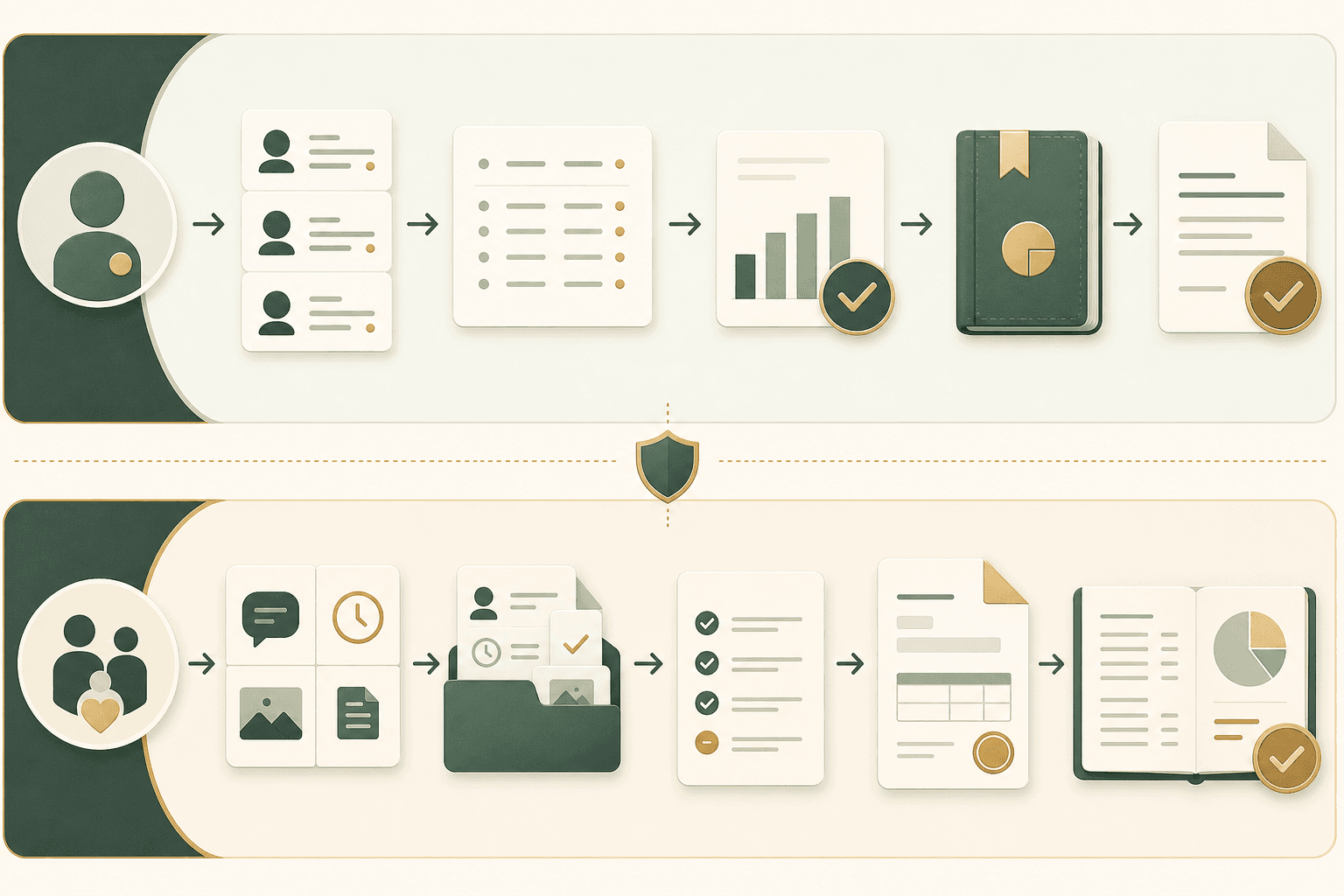
Integration readiness is a workflow question first.
What to check before connecting Xero Payroll AU
Before connecting a payroll export, provider teams should decide who owns roster approval, which records are excluded, how earnings or allowance mappings are reviewed, when exceptions block export, and what evidence remains in Effica after payroll is handed off.
Xero's pay runs and earnings rates documentation are useful reference points for the downstream payroll objects a provider may need to align with. Sources: Xero Payroll AU pay runs and Xero Payroll AU earnings rates.
Effica should support this as workflow infrastructure: approved work in, exception review before export, payroll-ready output out, and an audit trail left behind. The software should support the operator; it should not claim to be payroll, industrial-relations, or NDIS claiming advice.
Payroll export should preserve review context before data leaves the roster. Effica treats Xero Payroll AU handoff as workflow support, not as payroll advice or a replacement for official Fair Work, Xero, or NDIS guidance.
Continue with Effica
See how Effica is being built to keep rostered work, shift evidence, timesheet approval, payroll-export readiness, and NDIS claim boundaries visible before finance has to reconstruct the trail.
Review Effica rostering workflowsRelated Effica pages
NDIS rostering software
Connect roster planning, shift delivery, approval, and payroll-readiness context.
View pageNDIS billing software
Keep invoice, claim, bulk payment, and reconciliation review separate from payroll export.
View pageRostering, timesheets, payroll, and claim readiness
Read the companion guide on keeping approved work connected across operations and finance.
View pageSCHADS sleepover roster checks
Review sleepover evidence and payroll/claim boundaries before export.
View pageContact Effica
Book a workflow review for rostering, payroll export, billing, and reconciliation.
View pageContinue reading
More from the Effica blog
NDIS CRM software buyer guide
NDIS CRM software: choosing a system for participant relationships
A practical buyer guide to participant records, consent, agreements and service handoffs in an NDIS provider CRM.
Read articleMy provider relationships
NDIS my provider relationships: software checks for onboarding and claims
A practical workflow for keeping participant communication, my provider relationship requests, service agreements, role dates and claim review connected.
Read articleReferral intake and onboarding
NDIS referral management software: intake to service start
A practical workflow for moving an NDIS referral through consent, suitability, support planning, agreements and a reviewable service-start handoff.
Read article