NDIS 2026-27 pricing update: billing and Xero reconciliation checklist
A practical checklist for NDIS providers reviewing 2026-27 pricing, service bookings, claim readiness, and Xero reconciliation before finance changes flow downstream.
1 Jul
pricing schedule effective date to review before billing changes

Do not treat the schedule as a finance-only spreadsheet task.
The pricing update is a workflow question
The NDIA says the 2026-27 annual pricing review and pricing schedule provide guidance on appropriate NDIS prices for 2026-27, with the schedule effective from 1 July 2026. The current pricing-arrangements page is the official path providers should review alongside the update note. Sources: NDIS pricing updates and NDIS pricing arrangements.
For an operator, that does not stop at updating a rate table or importing the latest support catalogue. The useful workflow asks which agreements, service bookings, rostered supports, delivered-but-unbilled items, draft invoices, payment requests, and reconciliation queues may need review before money moves.
Effica's NDIS billing software page is the right product path because pricing changes should stay connected to the support evidence, approval state, claim outcome, and Xero reconciliation context behind each finance record.
The agreed support context comes before the invoice.
Start with agreements and service bookings
The NDIS service-booking guidance says service bookings set aside money in an NDIA-managed participant's budget and must be created before the participant receives supports. It also says price-limit increases need provider and participant discussion and agreement before booking changes are reflected. Source: NDIS managing service bookings.
That creates a practical checklist for the finance team: do not only ask whether the new support price exists. Ask whether the participant agreement, booking date range, booking amount or quantity, service pattern, and support category still match the work being delivered.
If a provider updates billing without reviewing this upstream context, reconciliation can look clean while the operating trail is weak. A software workflow should make the exception visible before the invoice or payment request is finalised.
Service agreements and Schedule of Supports
Connect agreement terms, support lines, roster patterns, changes, and billing evidence.
Funding alerts article
Review how budget visibility should surface before service delivery outruns funding context.
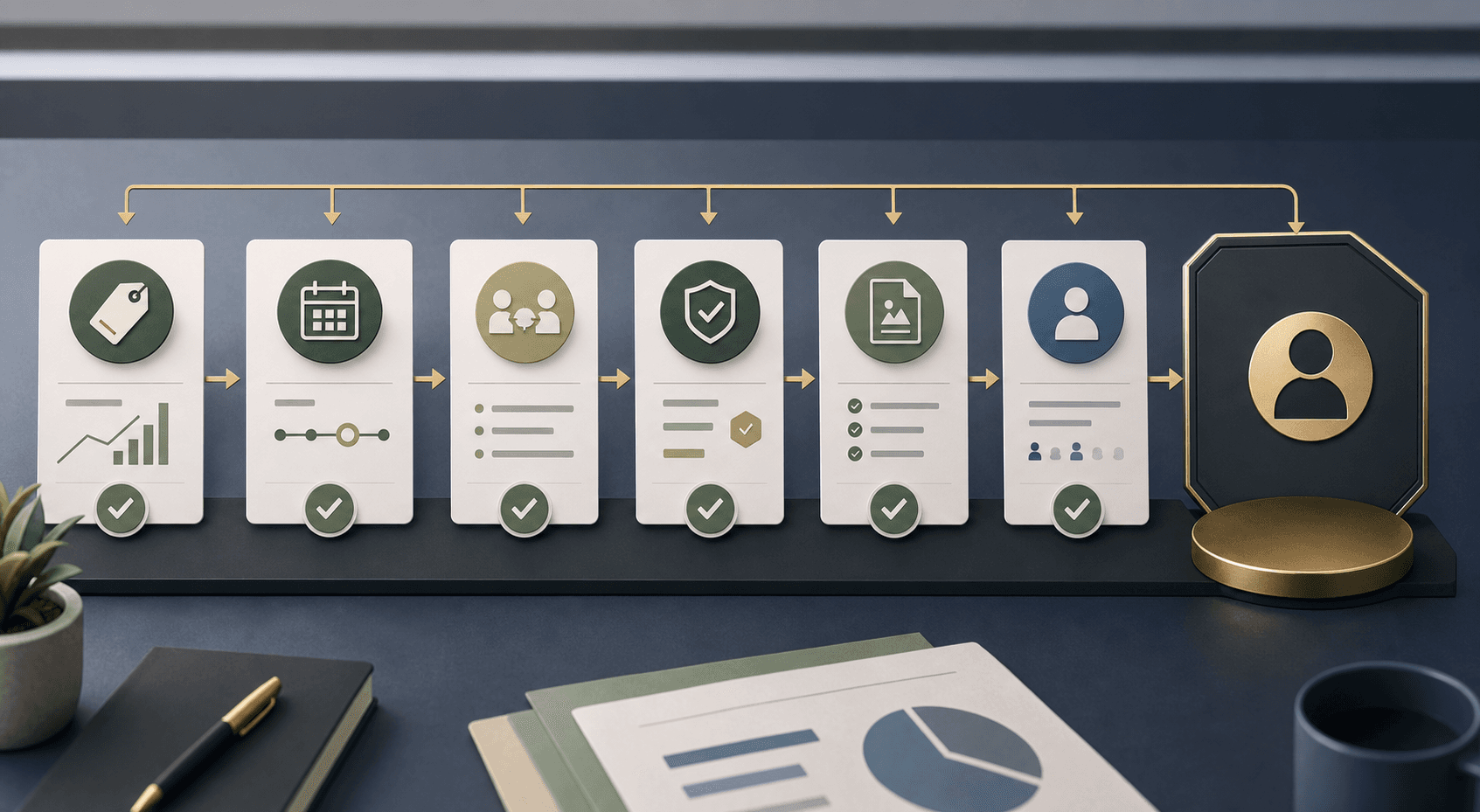
The claim line needs more than the new amount.
Check claim inputs before the payment request
The NDIS guide to getting paid lists payment-claim inputs such as participant details, support dates, support item reference number, and support item price. It also says a claim may be rejected if it is not compliant or valid, and that providers should make sure claim details are accurate and aligned with the participant's approved funding. Source: NDIS guide to getting paid.
For software buyers, the 2026-27 pricing cycle is a good time to check whether claim readiness is explicit. The finance queue should be able to show support item, service date, quantity, rate, agreement context, service booking context, approval status, evidence trail, and exception owner together.
Effica should support review and handoff; it should not claim to replace the NDIA, the NDIS pricing source, accounting advice, or a provider's own responsibility for current claiming decisions.
Accounting reconciliation is necessary, but it is not the whole provider record.
Reconcile the Xero record without losing the NDIS trail
Xero reconciliation helps finance teams match bank activity against accounting transactions. Source: Xero Central bank reconciliation guidance.
The NDIS operating trail still needs different context: the original support, service date, participant or funder, support item, claim or invoice reference, paid amount, rejection reason, correction owner, and audit history. If those details sit outside the accounting workflow, the bank line can reconcile while the provider team still cannot explain why the money is right.
That is the content gap Effica should keep building toward: a dedicated Xero and NDIS reconciliation path where accounting status and NDIS support evidence remain connected rather than manually reconstructed after month end.
Effica security
Review the public security posture behind permissioned finance and audit workflows.
Xero find and match
Official Xero Central help for matching statement lines with transactions.

Use the price cycle to test the workflow, not just the catalogue import.
Vendor questions before 1 July
Ask whether the product can show which records were priced under the old schedule, which future supports need agreement or booking review, which delivered supports are still unbilled, and which draft invoices or claim rows are blocked by missing evidence.
Then ask how the tool handles corrections: whether a rejected claim keeps the reason and owner attached, whether Xero status can be refreshed without deleting the NDIS trail, whether permissioned changes are audited, and whether managers can see what changed after a price-cycle update.
The right outcome is not automation for its own sake. It is a finance workflow where current official guidance, provider review, participant agreement context, delivery evidence, claim status, and reconciliation state remain visible in one place.
A price-cycle update is not just a number change. It is a test of whether every finance record can explain its agreement, service booking, delivery evidence, claim status, and accounting reconciliation.
Continue with Effica
Walk through price-cycle readiness, service booking review, claim exceptions, and Xero reconciliation with Effica.
Review your NDIS billing workflowRelated Effica pages
NDIS billing software
Review the public product page for claim preparation, payment outcomes, and reconciliation workflows.
View pageNDIS billing software and Xero reconciliation
Continue into the broader billing, claim rejection, and Xero reconciliation article.
View pageService agreement software
Review agreement and Schedule of Supports context before billing changes are made.
View pageFunding alerts
Connect budget visibility and funding review to finance workflows.
View pageEffica security
Review the public security posture behind finance permissions and audit history.
View pageContinue reading
More from the Effica blog
NDIS CRM software buyer guide
NDIS CRM software: choosing a system for participant relationships
A practical buyer guide to participant records, consent, agreements and service handoffs in an NDIS provider CRM.
Read articleMy provider relationships
NDIS my provider relationships: software checks for onboarding and claims
A practical workflow for keeping participant communication, my provider relationship requests, service agreements, role dates and claim review connected.
Read articleReferral intake and onboarding
NDIS referral management software: intake to service start
A practical workflow for moving an NDIS referral through consent, suitability, support planning, agreements and a reviewable service-start handoff.
Read article